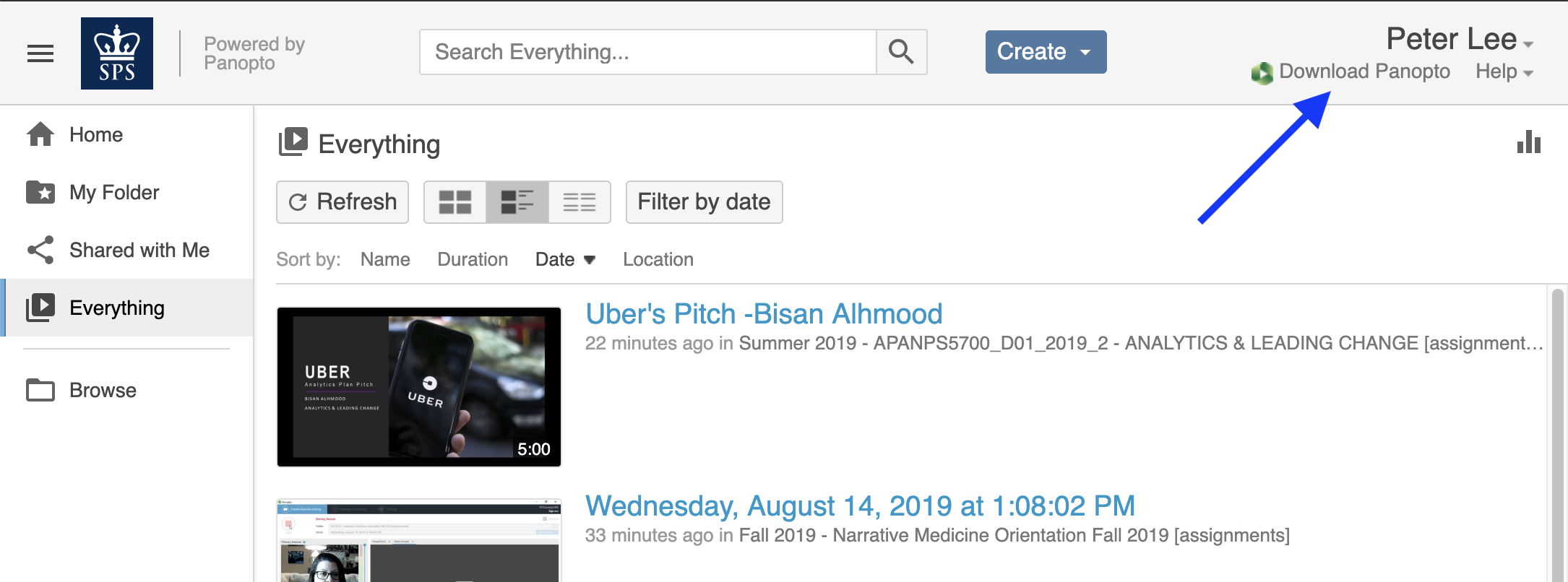
To download Panopto follow these steps:
- Visit https://columbiasps.hosted.panopto.com
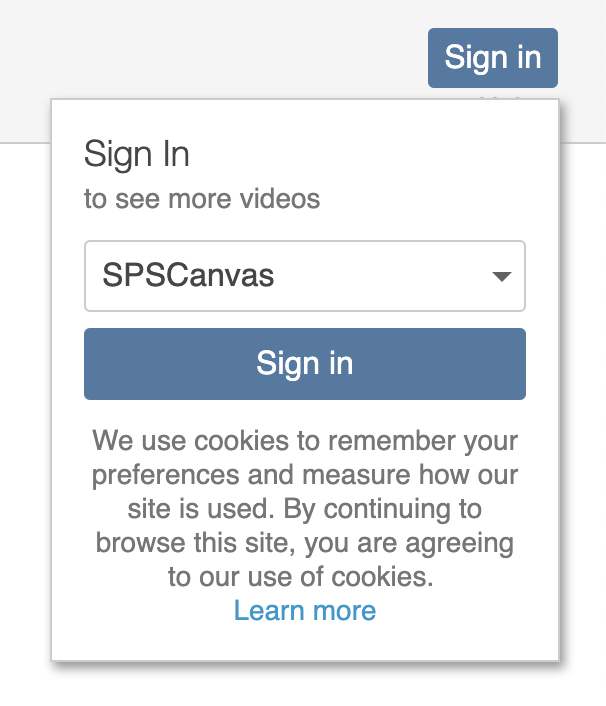
- Click 'Sign in'

- Sign in using 'SPSCanvas.' Then enter your UNI and the password.
- Click 'Download Panopto' and select the version appropriate for your operating system. Installation will only take a few minutes.